Alabama SOA hunt registration for the October adult waterfowl, woodcock and quail drawings is closed, and the state schedule says those results became available Oct. 27. The next published registration window opens Dec. 1 for youth waterfowl, small-game, turkey and feral swine opportunities.
That distinction matters because Alabama does not use one deadline for every Special Opportunity Area hunt. Hunters looking for the next drawing should use the December schedule instead of trying to submit through the expired October window.
Alabama SOA hunt registration dates still ahead
The official Special Opportunity Areas schedule lists three groups that open at 8 a.m. Dec. 1 and close at 1 p.m. Dec. 14. Drawing results are scheduled for 2 p.m. Dec. 15.
| Hunt opportunity | Special Opportunity Area or group | Registration window | Results available |
|---|---|---|---|
| Youth waterfowl | Crow Creek | Opens Dec. 1 at 8 AM; closes Dec. 14 at 1 PM | 2 PM Dec. 15 |
| Small game and/or turkey | Cedar Creek, Portland Landing, Uchee Creek, Fred T. Stimpson, Upper State, Thigpen Hill and Blackwater River | 8 AM Dec. 1 through 1 PM Dec. 14 | Scheduled for 2 PM Dec. 15 |
| Feral swine | Portland Landing and Thigpen Hill | From Dec. 1 at 8 AM until Dec. 14 at 1 PM | Dec. 15, 2 PM |
All times are Alabama local time. The state page controls if the agency changes a date or registration requirement after this update.
October results are now the immediate check
The October window covered adult waterfowl hunts at Crow Creek, Uchee Creek and Portland Landing, plus an adult woodcock and quail hunt at Cedar Creek. Registration closed Oct. 26, and the official schedule placed results at 2 p.m. Oct. 27.
Applicants from that window should sign in through the state’s registration system and review the status tied to their account. The SOA frequently asked questions directs applicants who did not receive an email to sign in and check their hunt registration rather than assuming they were not selected.
Complete the license step first
Outdoor Alabama says applicants must have both an Alabama hunting license and a Wildlife Management Area license before registering. Buying a required license after the drawing closes does not restore a missed entry.
Use the state’s live registration page rather than a social-media link or an old screenshot, because a copied post may omit a deadline change or prerequisite. Confirm that the selected hunt type and SOA match the intended entry, then retain the confirmation. Selection is not guaranteed because these are limited-quota drawings.
December Alabama SOA registration is separate
Hunters who missed the adult October deadline should not assume every 2026-27 drawing is closed. The youth waterfowl and later small-game, turkey and feral swine windows use the December dates shown above.
The agency also lists December drawing windows for certain small-game and turkey opportunities. Those locations, hunt dates and eligibility rules differ, so an applicant should check the complete row for the specific hunt rather than reuse today’s dates.
A registration check before Dec. 1
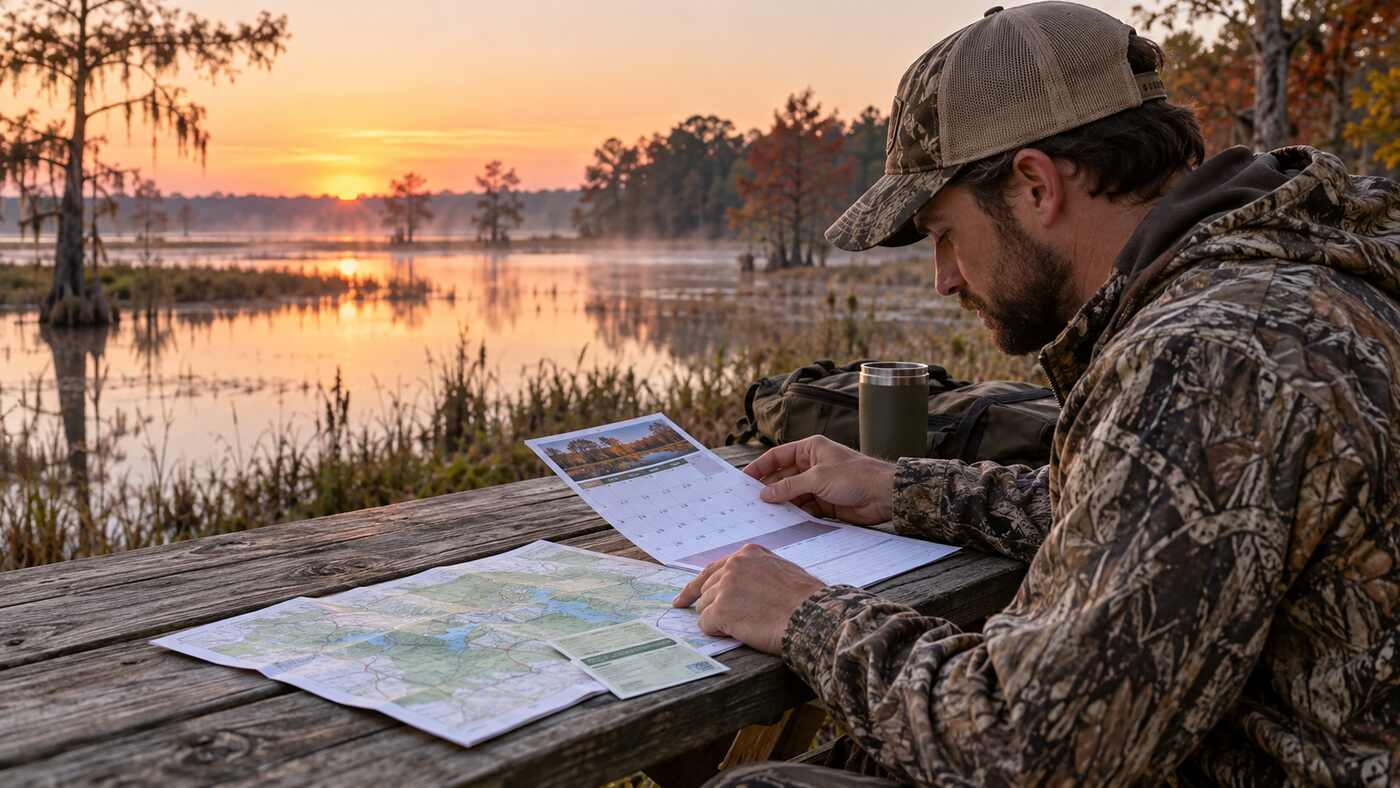
Review the applicant name, license status, hunt category and property before the final click. An adult waterfowl entry at one property is not interchangeable with a woodcock and quail entry at another. If the registration system shows a confirmation number or receipt page, save a copy where it can be found after the drawing.
Before Dec. 1, verify that the state account, Conservation ID and required licenses display correctly. Once registration opens, submit before the final minutes so there is time to correct a missing license record or incomplete field.
Applicants should also check whether a selected date conflicts with work, school or another permit. A limited drawing slot can be difficult for the agency to reassign on short notice, and accepting an unusable date does not help the applicant or the next hunter. The official rules, rather than this summary, control eligibility and participation.
Once submitted, keep the Alabama SOA hunt registration confirmation with the licenses used for the entry. The confirmation should identify the property, hunt type and selected date.
What selected hunters should check next
After results post, selected hunters should read the current SOA rules for the assigned location. Dates, guest provisions, check-in instructions, equipment restrictions and access details can vary by property and hunt type.
Weather or land-management conditions can also affect access. Verify the official property page before travel, and do not treat a drawing result as a substitute for licenses, permits or site rules.
For October applicants, the practical next step is to check the state registration account for results. For the December drawings, confirm both required licenses before Dec. 1, submit the correct Alabama SOA hunt registration by 1 p.m. Dec. 14, save the confirmation and check official results after 2 p.m. Dec. 15.
For more verified statewide deadlines and public-service links, visit The Daily Quill’s Alabama consumer guides.